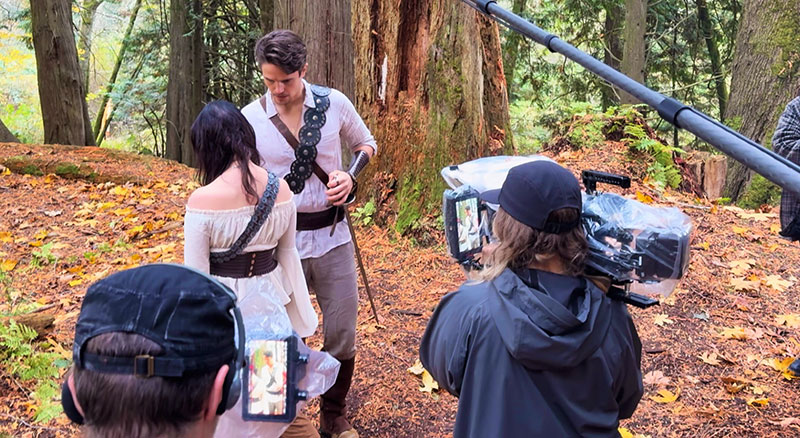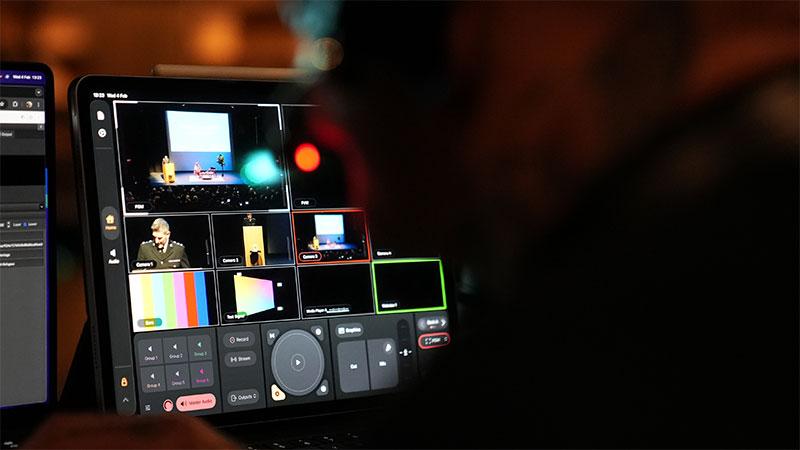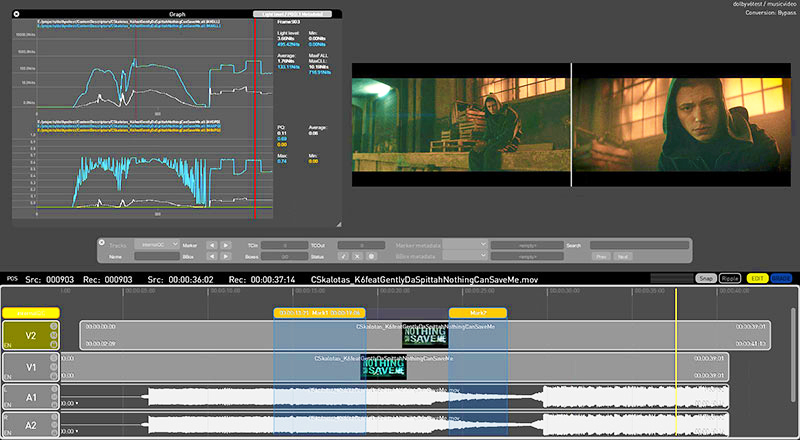

With Quick Cut in the Firefly video editor, creators upload their own original or generated footage and images, and immediately turn these raw materials into a structured first cut.
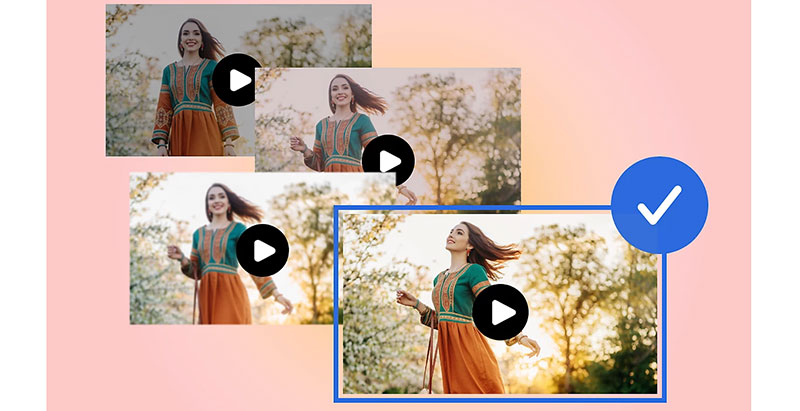
Iteration is a critical step in AI video development. After forming an idea, content creators need to explore options, iterate quickly and brainstorm across different media types. By filling the timeline as soon as possible, they can build on top of it and when necessary, tear it down and build something new.
Adobe Firefly encompasses a range of AI models from Adobe, Google, OpenAI and Runway, and various creative tools. Users can work quickly and precisely from pursuing an initial idea to publishing the finished project without leaving the app.
Cut to the Chase
For video creators, Firefly has a layered, multi-track video editor where the timeline can be quickly populated and, from there, the material edited, refined and iterated on further within the same app. Typical applications are thumbnail generation and b-roll, marketing assets and filler images for many types of business.
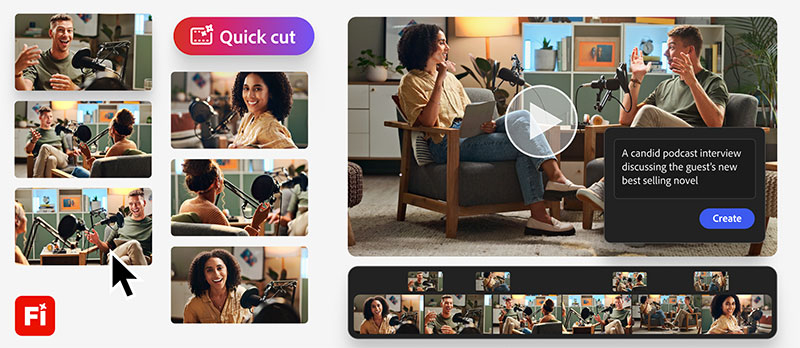
With Quick Cut in the Firefly video editor, creators upload their own b-roll or generate new footage, and immediately turn these raw materials into a structured first cut. It gives video creators a clear starting point they can shape and refine to suit their purpose. Although they will not have the experience of looking over their images and conceiving the options themselves, that might not be important to them in every case.
In other words, Quick Cut is a fast way to move from a collection of clips to an edit users can work with. Exchanging the hours they might spend stitching clips together, for more time focusing on story, strategy and narrative may be more valuable in some situations. For example, reporters can use Quick Cut to identify key moments in their interviews.
First Assembly
More complex examples could include product reviewers who can upload long takes of unboxing and testing footage to Firefly, and use Quick Cut to follow the flow of a narration track. Podcasters can use it to sift through long-form conversations to focus on a particular topic or style of output. Marketers can organise b-roll and sessions to arrive at a starting point, structured for the production of an event recap.
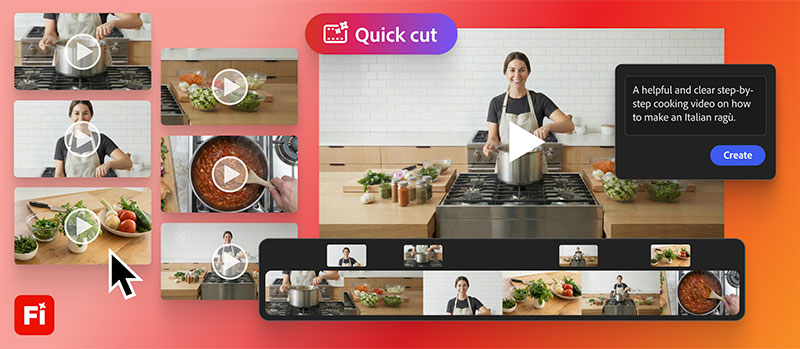
Once footage has been uploaded to Firefly, users describe in their own words what the video is concerned with and its intention – an interview, product demo or day-in-the-life video. Firefly uses that description to return a first assembly, with the option to supply more specifics – including documents like a shot list or a script for a precise result.
A few basic choices that can be made in the initial prompt include selecting an aspect ratio, automating the pacing or setting the duration, or introducing an optional B-roll track to organise the supporting footage.
According to Adobe, Quick Cut's workflow is especially useful for experimentation and generating multiple directions from images and video clips. Still images may be set to motion with image-to-video generations, and those assets brought into the Firefly video editor alongside original footage. Quick Cut then assembles a structured first draft where users can refine pacing, swap elements, tighten the narrative and produce a final piece. www.adobe.com