


Sussex University students take on the roles, responsibilities and deadlines of a live broadcast team, using the Mavis Studio app on iPad instead of relying on access to specialist facilities.
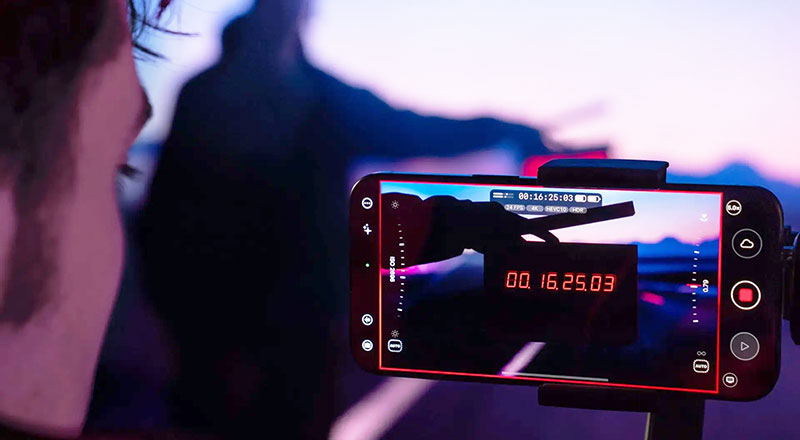
At University of Sussex, live production is not taught as theory. It is taught under pressure, in real time, with students taking on the roles, responsibilities and deadlines of a working broadcast team.
For Professor Paul Newbury, convenor for the Digital Media and Games degree and Jacob Sharpe, Studio Manager that practical experience is essential. With over 30 years of experience between them, Paul and Jacob oversee the Live Video Production module, where second-year students produce and transmit a live TV programme as part of their assessment.
Teaching Environment
The module is designed to move students beyond individual camera, sound and lighting skills and into the time-sensitive environment of a live broadcast. They must understand production roles, work as a team, manage technical infrastructure and deliver a programme that goes out live online at a scheduled time. In other words, the assessment proceeds in the same way as a real broadcast – when the clock starts, the show starts.
“Live production is a brilliant teaching environment because it makes everything matter,” said Jacob. “Students very quickly understand that production planning, communication and technical reliability are not separate entities. They all come together the moment you go live.”
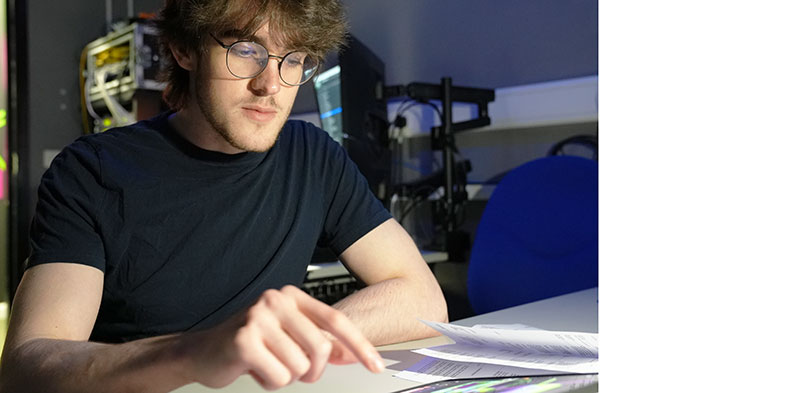
The challenge is that live production has traditionally depended on access to specialist facilities. At Sussex, the department has long operated two broadcast studios. Studio 1 is the main facility, built on a combination of SDI and IP video. Studio 2 has been the smaller teaching studio, available for university societies to use. But as student demand grows, physical studio time can become a bottleneck.
Changing the Model
The University has overhauled Studio 2 by setting up a flexible NDI workflow and using cloud-based, wireless functionality. Sony cameras connect to Atomos Shogun monitor-recorders, converting SDI signals into NDI and placing them on the local network. Alongside the cameras, students use iPhones running Mavis Camera software, connected through a dedicated Wi-Fi 6 access point. As well as familiar camera tools for focus, exposure and composition such as focus peaking, waveform monitor, vectorscope, false colour and anamorphic de-squeeze, Mavis Camera gives operators working outside the studio a clean, reliable wireless signal for dynamic handheld and gimbal shots.
All workflow elements stay connected via NDI HX3, allowing the department to work with high-quality video across standard network and Wi-Fi infrastructure. Mavis Studio broadcast studio software itself runs on a dedicated iPad in the studio gallery. Optimised for live production and directly integrated with Mavis Camera, Mavis Studio includes camera switching, graphics, audio mixing, recording and streaming, and supports certified NDI HX3 workflows. Users can also stream content to social channels via RTMP and SRT.
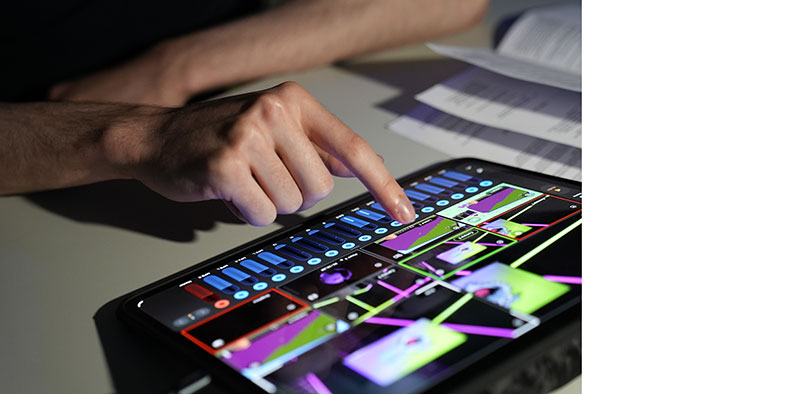
Audio mixing and management is kept simple with portable radio mic receivers connected directly to the cameras. The students can connect up to eight audio channels to a phone or tablet via a USB audio interface, or a microphone with a USB output. Metering is accurate enough for setting optimum levels, and both mixed audio and source stems can be recorded at the same time.
Going Live
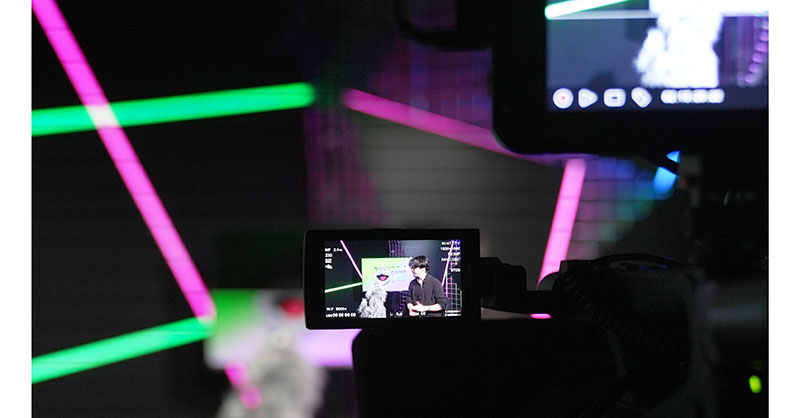
For students, the impact is felt as each group creates its own live TV show, developing the visual identity, graphics, animated sequences and wipes that support the production. One group produces while another crews, meaning every student experiences both sides of the live workflow. As part of their preparation, students create professional-looking broadcast assets, including logos, colour palettes, fonts, animated logo sequences and transition wipes. These are then loaded into Mavis Studio and used as part of the final production.
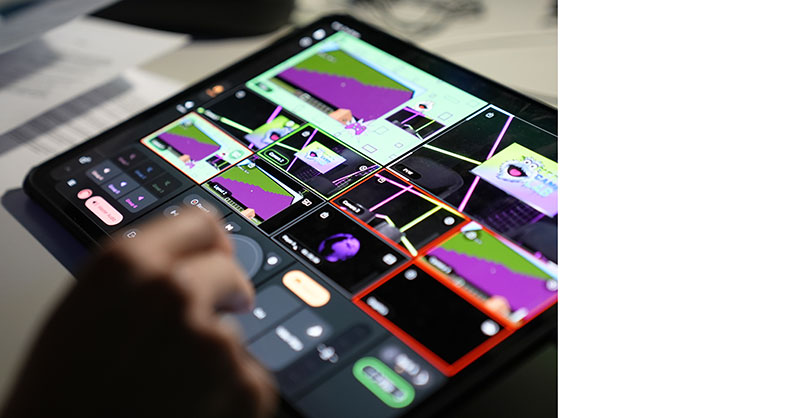
By the final week, each group has to bring all of that work together. Their show is scheduled, streamed live on the internet, and assessed as it happens. The on-air and off-air times are not negotiable. If something goes wrong, students have to adapt. If someone misses a cue, the production continues, making the reliability and simplicity of the technology critical.
Untethered Approach
Paul said, “What we really love about the setup is that students get the same type of features we use in our traditional gallery, but it is all running on an iPad.”
That portability changes how students learn. They are no longer limited to scheduled studio access. The department either issues iPads to students, or they can install the software on their own devices. They can prepare assets in computer labs, practise workflows at home, and arrive in the studio with a much stronger understanding of the production environment.
The untethered approach also changes the scope of the department. Previously, the module was had to be limited to about 40 students per term because of studio capacity. With access to Mavis Studio and NDI, the system is scalable. New rigs can be created in general teaching spaces, expanding access without having to build another traditional gallery.
This fact reveals the educational value of the system. Mavis Studio does not remove the discipline of live production, but only makes it more accessible. Students still have to plan, rehearse, operate cameras, manage audio, prepare graphics, direct, vision mix and deliver under pressure. But the tools are no longer locked within one room, one gallery or one fixed timetable.
Familiar Devices, New Possibilities
For media departments and production educators, that opens up new possibilities. A live production workflow can be built around devices students already understand, connected through standard IP infrastructure, and scaled across teaching spaces as required. NDI becomes the bridge between professional broadcast operation and the flexible environments where students now learn.
For Sussex, Mavis Studio is more than a compact production system. It is a way of giving more students access to the future of broadcast: network-based, flexible, scalable and collaborative.
By combining Mavis Studio with NDI, the University of Sussex has created a teaching workflow that expands access to live production, giving educators a professional, robust system and giving students the freedom to learn wherever production happens. mavis.cloud