

DaVinci Resolve 21.1 now integrates AI assistance for more efficient task management, switches directly between angles in multi-cam mode, makes it easier to review media and supports more colour spaces.
Blackmagic Design’s DaVinci Resolve 21.1 update, introduced at IBC 2026, integrates AI assistance that helps users to efficiently manage tasks such as organising media or batch rendering. AI agents such as Claude, Claude Code and ChatGPT Codex can be called on to analyse projects, organise media, adjust settings and batch render, using everyday conversational language.
Users can ask the AI assistant to create highlight edits from long form video, remove unwanted clips and render deliverables, thereby leaving more time for tasks requiring creative input instead of repetitive tasks.
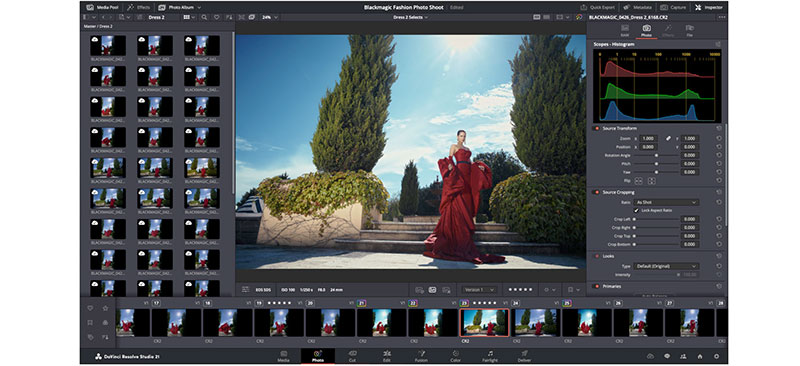
The Photo page now supports a wider range of camera formats including Fujifilm's GFX and X series, Leica SL and Sony A7R V1, so photographers working with these cameras can import their files natively without needing to convert files.
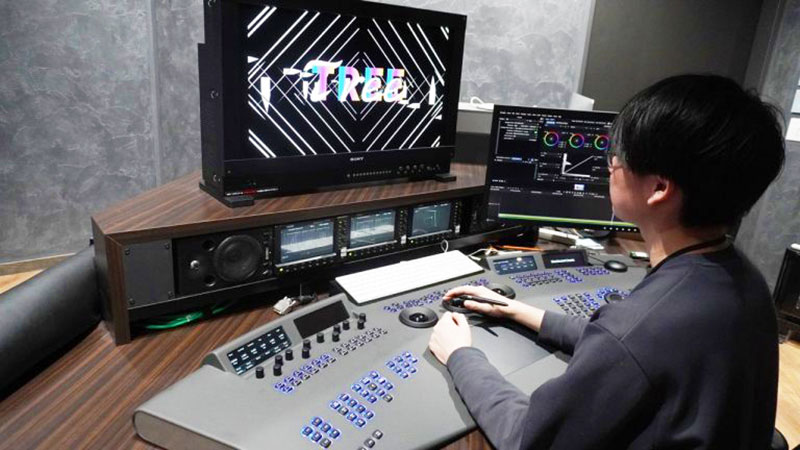
Image settings on the Photo page can now be adjusted in the inspector using DaVinci Resolve colour panels, including the compact DaVinci Resolve Micro Color Panel. This ability gives colourists tactile, hands-on control for faster, more precise adjustments.
Media Import/Export
Many improvements have also been made to the Media page that make it easier to review and manage media. The source viewer now preserves the source media's original aspect ratio regardless of vertical or horizontal orientation in the timeline. This means that users working with both formats see their media correctly without manual adjustment.
Within each project’s media pool, all editable fields can now be modified directly in the list view, using tab-and-enter keys to navigate between rows and columns to speed up metadata entry. A new decode option in the page’s preferences allows the user to specify if only full resolution media should be used with AI tools, and to default to any available media if the preferred media is offline.
Specific options now exist when exporting a project archive. Users can include only used media, choose between originals and proxies, and include render cache, LUTs and/or gallery stills. When consolidating projects, a .drp file is now included with rendered project media. This file contains data used to load projects in Resolve by containing references to their media files, as well as the projects' properties.
Multi-camera Workflows
Edit page multi-camera workflows are also enhanced with a new button in the timeline viewer that displays the current clip in the source viewer and switches directly between angles when in multi-cam mode. This means users won’t lose their place when previewing media pool clips, as the source viewer automatically returns to multi-cam mode when switching back to the timeline.
Furthermore, when creating multi-cam clips, the user can split at timecode gaps, giving a faster way to sync footage from multi-camera shoots.
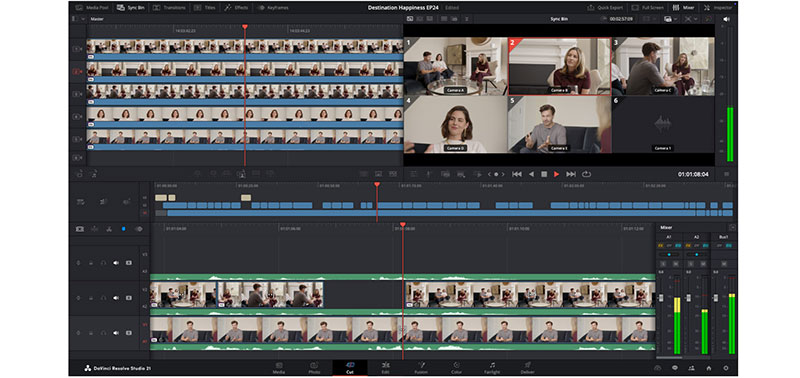
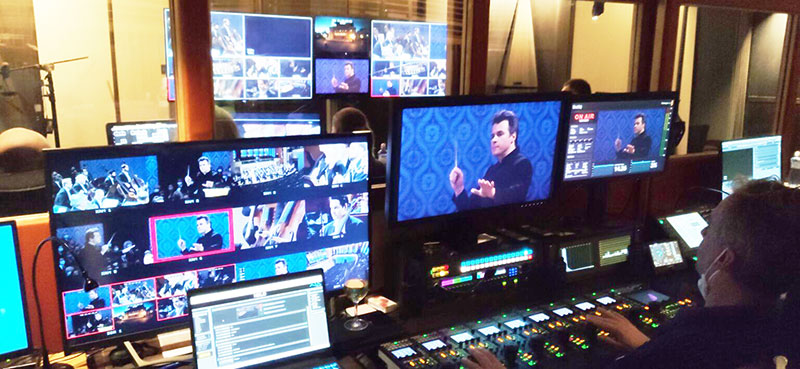
New keyboard shortcuts support control of up to 25 multi-cam angles. Users working on large concert, sports or event productions can switch between cameras faster. Track selection shortcuts now support up to 32 tracks, and audio waveforms can be automatically scaled to fill available track height. This change makes audio levels clearly visible across clips with different volumes without manual adjustment.
The updated trim editor on the Edit page allows clips to be directly dragged in the viewer for precise frame-level adjustments. The user can now display clip durations alongside the names in the timeline, making it easier to identify clips at a glance. Because the inspector panel now supports presets, favourite parameter configurations can be saved and recalled for video, audio, transitions and transforms, eliminating repetitive manual setup across projects.
In the index panel, it’s now possible to export a list of markers as a polished .pdf report, making it simpler to share notes with clients or collaborators outside of DaVinci Resolve. ‘Compare with current timeline’ features a redesigned interface that helps with navigation and review of specific parts of the edit.
The Cut page now features two new source timecode timer options, depending on whether the user is working in source tape or multi source viewer mode. These indicate precise offset and duration reference points during editing. New editing preferences include ‘stop playback on scrub’, ‘always play audio when changing frames’, and ‘blade selects clip after playhead’. These preferences give customers more control over how DaVinci Resolve responds to their editing style.
Color – No Compomise
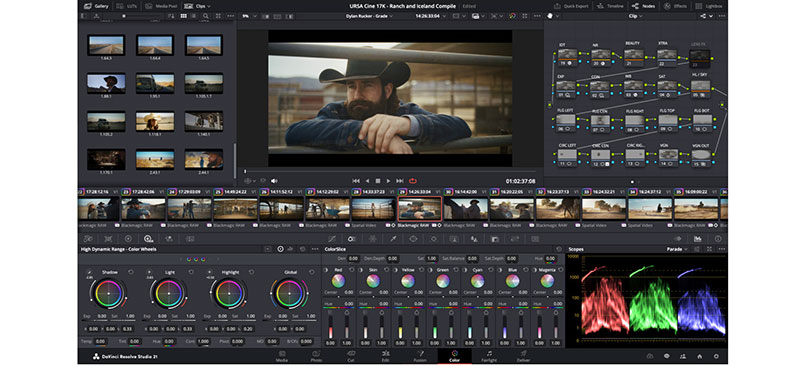
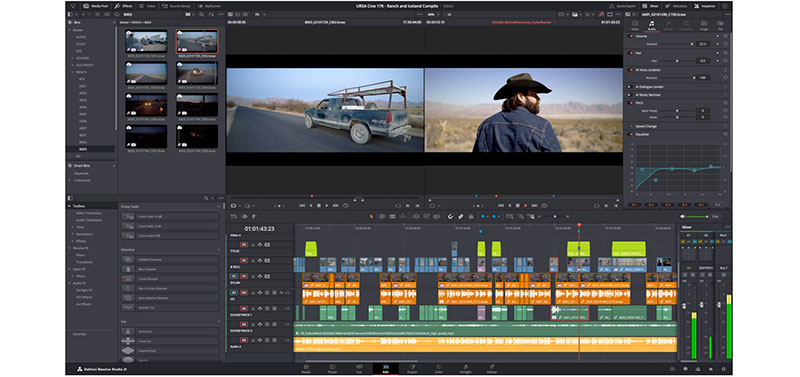
On the Color page, the multimaster trim feature now supports individual trim passes for Dolby Vision, HDR10+ and HDR Vivid workflows. As a result, each HDR format is graded independently rather than sharing a common trim, and colourists working on multiple deliverables can fine tune each version without compromising the others. For instance, output sizing can now be overridden for each trim, allowing independent framing for different aspect ratios, and individual timeline caching per trim avoids the need to re-cache when switching between deliverables, which can be time-consuming.
When navigating between stacked clips on the Color page, the playhead position is now retained. Users can quickly switch between layers without losing their place. ResolveFX support has been expanded with enhanced sky replacement capabilities for still images on the Color page.
DaVinci Resolve 21.1 now supports a greater range of colour spaces and colour management solutions including GoPro Log, Leica L-Log, DJI's D-Gamut2 and D-Log2, and Vivo's Wide Gamut and Log. Productions shooting with these cameras can work natively without manual conversions, and further camera transform LUTs and ACES Transform colour space choices have also been added, increasing versatility.
Fusion and Effects Updates
Around 25 new tools have been added to the set of Krokodove tools for Fusion and Resolve. These tools expand the 3D and shape toolkit in Resolve, and are under continuous development at Komkom Doorn studio in Belgium.
The Connect 3D tool creates vertex connections, Heightfield Create 3D allows depth based plane distortion using image maps, Tube Create 3D creates path following pipe shapes, and the new 3D Region toolset isolates effects to defined areas in the 3D environment. The sPrimitive Create node generates basic shapes quickly, including cross, polygon, rectangle and star. Edge manipulation tools support more sophisticated graphic design workflows.
The macro editor in Fusion now supports loading macros directly from DRFX template bundles with automatic detection, functionality that allows users to access and reuse their saved templates. Macros can be saved to specific template categories, making them available on the Cut or Edit pages. The Editor now includes thumbnail management and an update that allows the user to modify tools on the fly and update the corresponding macro, meanwhile preserving control selections and layout customisation.
Lens Distortion, Fairlight Filters, Presentations, More
A new line-based calibration type in the lens distortion tool serves as an alternative method for correcting lens distortion.
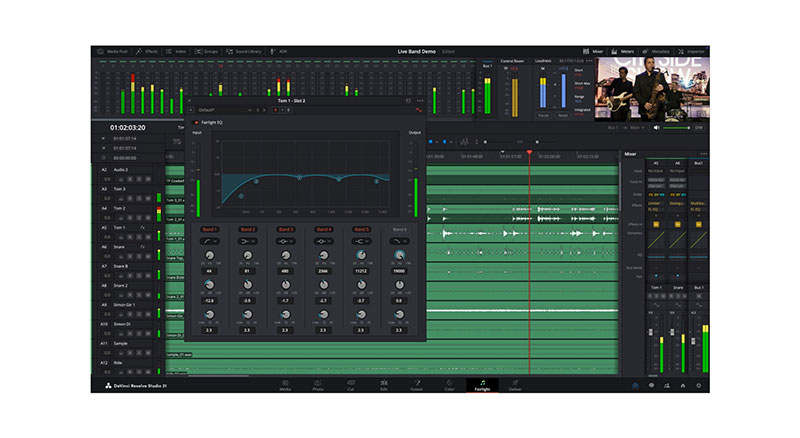
The Fairlight animator modifier now includes high pass and low pass filtering controls, enabling customers to target specific frequency ranges from their source audio to drive animation parameters with precision.
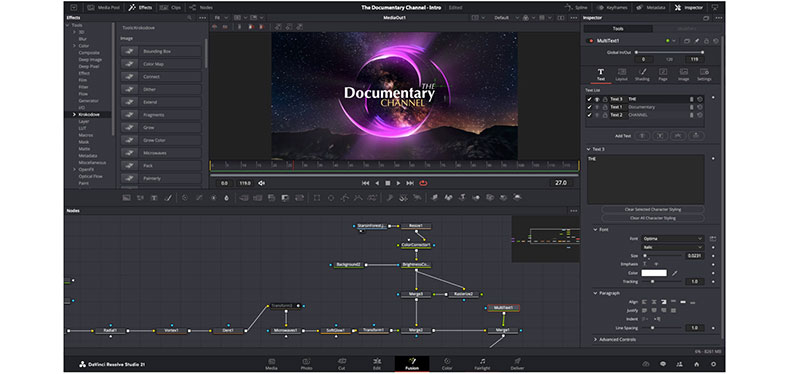
MultiText now supports aligning layers relative to one another, ensuring pixel perfect placement when working with multiple text elements.
Blackmagic Cloud Presentations functionality has also been updated with subtitle support, annotation sharing and comment replies, making it easier to collaborate with clients on review and approval. Accessible through the Blackmagic Cloud ID, Presentations are a way to receive frame accurate, collaborative feedback on works in progress without VPNs or the security risk of shipping files.
Users publish or manually upload a timeline or clip directly from DaVinci Resolve into Presentations, and then authorise a list of Blackmagic IDs that gain access to review. Presentations can be reviewed within video conferences, a chat window and so on. Shared markers and comments are automatically and bidirectionally relinked with DaVinci Resolve.
Finally, as mentioned above, format and codec support is expanded. As well as the new Fujifilm, Leica and Sony models listed already, GPU-accelerated HTJ2K decoding using Kakadu and hardware-accelerated HEIC decoding on Apple Silicon are also supported. Users now see faster playback and rendering with these formats. DaVinci Resolve 21.1 also supports NVIDIA RTX Spark systems on Windows, and 20 new scripting APIs with built-in console support give more control over automation workflows. www.blackmagicdesign.com